VMR-MC600(G)
SYSTEM CONTROLLER
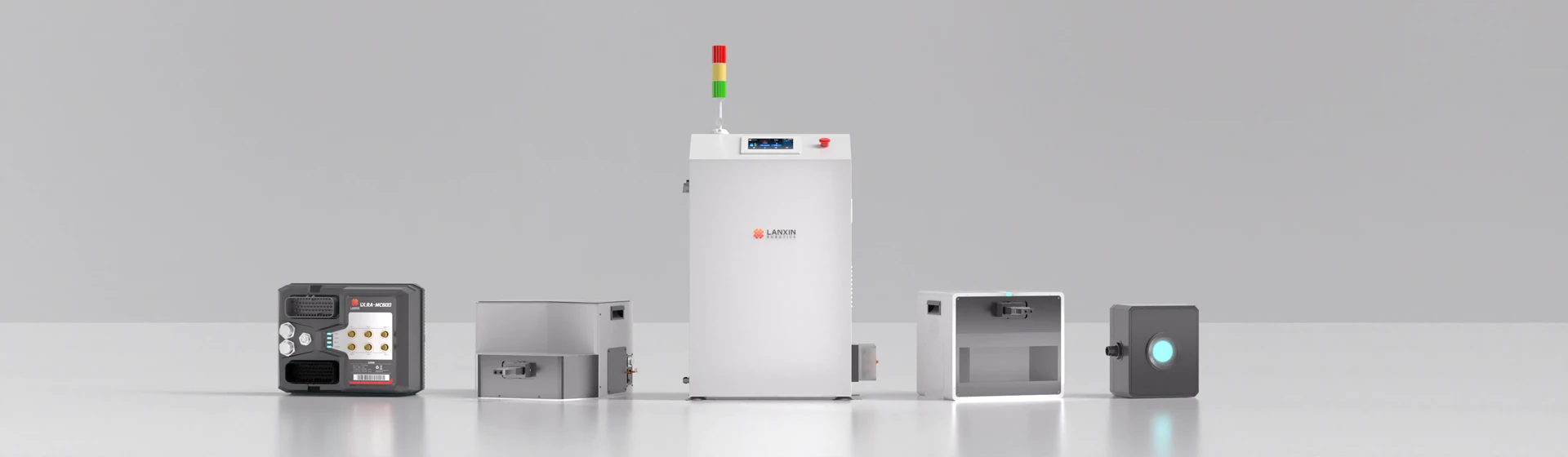
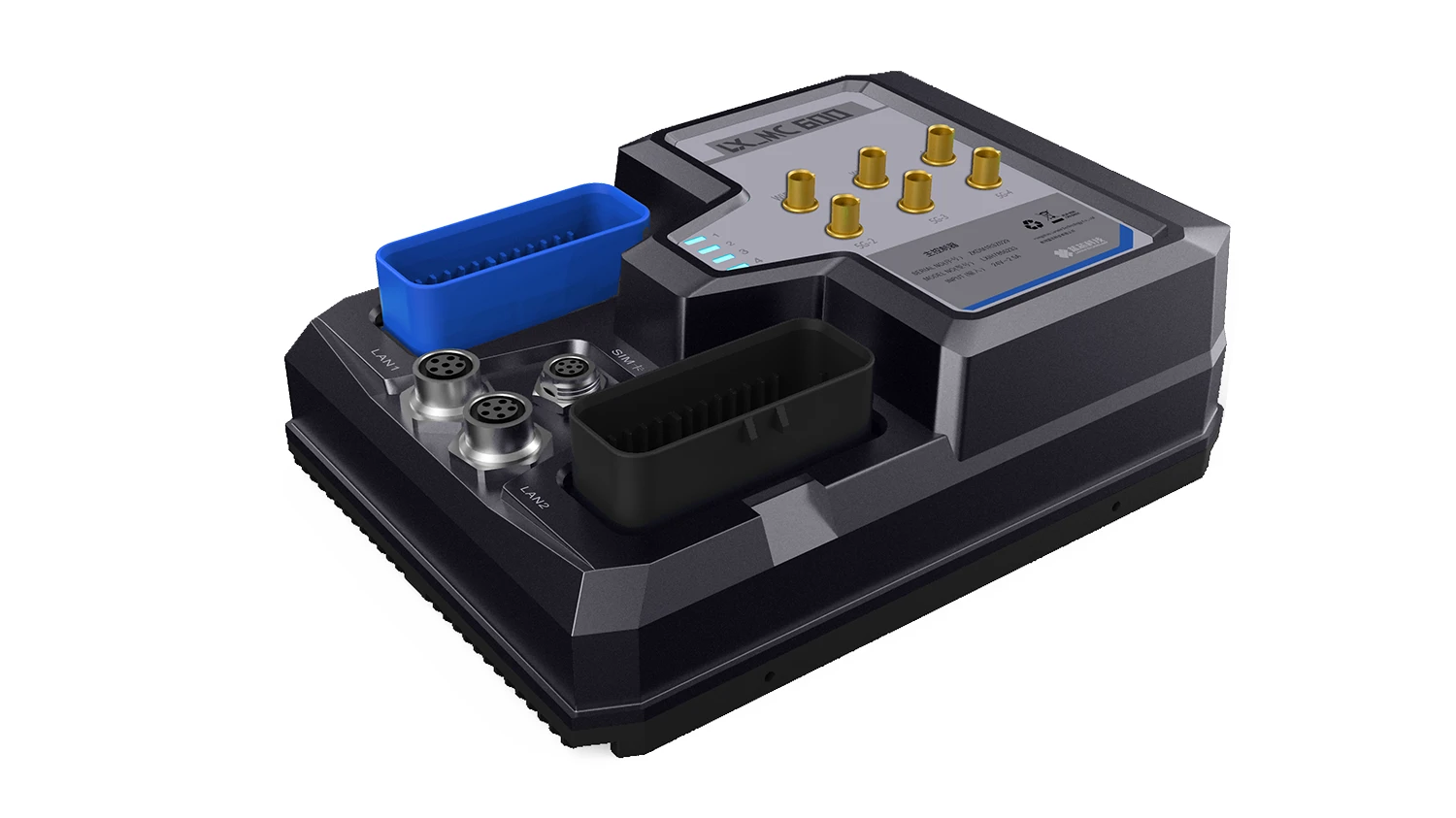
The VMR-MC600(G) is a universal core controller for mobile robots, independently developed by Lanxin Robotics. This controller integrates a core processor, IO control, bus communication and power management into a single unit. Designed to industrial standards, it features a compact size, powerful computing capability, high integration, and a wide range of functions. As of 2023, over 12,000 units have been deployed.
TECH SPECS
Basics
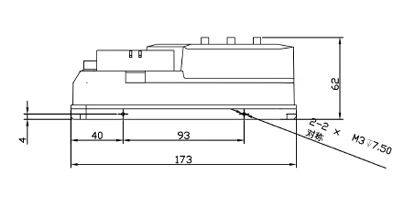
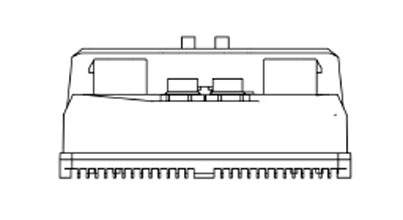
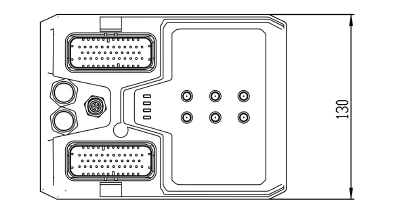
| Dimensions(L*W*H) | 173 mm * 130 mm * 62 mm |
| Net Weight | 800 g |
| Operating Voltage | 48 VDC |
| Self-consumption | 7 W |
| Operating Temperature | -10~50 °C |
| Storage Temperature | -20~60°C |
| Operating Humidity | 10~90% RH, non-condensing |
| Protection Level | IP54 |
Digital Interfaces
| DI Interfaces(12 channels) | 1 channel for hand charging status monitoring, 2 channels for fork upper/lower limit positions, 2 channels for fork left/right positioning, 1 channel for chassis operation permission, 6 reserved channels |
| DO Interfaces(4 channels) | 1 channel for charging handshake, 1 channel for auxiliary device power supply, 1 channel for chassis motor power supply, 1 channel for auxiliary device operation permission |
Power Supply Interface
| 24VDC Interface | 1 channel, maximum power 200W |
Bus Interfaces
| CAN Interfaces | 3 channels (2 for MCU, 1 for core board) |
| RS485 Interfaces | 5 channels (4 for MCU, 1 for core board) |
| RS232 Interfaces | 2 channels (1 for MCU, 1 for core board) |
Network Interfaces
| Ethernet | 2 channels, 10/100/1000Mbps, M12 interface |
| Wireless Network | IEEE 802.11ax/ac/a/b/g/n(2T2R), 2.400GHz~2.4835GHz, 5.150GHz~5.850GHz |
| Mobile Network | Optional full 5G support |
Other Interfaces
| USB 2.0 | 1 channel |
| Audio Output | 2 channels, 15W each |
Indicator Lights
| LAN1 Status | Green blinking |
| LAN2 Status | Green blinking |
| Status Indicator | Green blinking |
| Power Indicator | Green steady |
Special Functions
| Emergency Stop Input | 1 channel, normally closed |
| Emergency Stop Output | 1 channel, normally closed |
| Safety Edge | 1 channel, series connection, end resistance 8.2kΩ |
| Safety Input | 1 channel, normally closed |
| Function Buttons | Power, Reset, Pause, Manual/Automatic switch |
| Start Button | 1 channel, normally open |
Peripheral Interaction
| Elevator/Lift | System supports calling and floor switching for elevators/lifts, automatic map switching |
| Automatic Door/Air Shower Door | The vehicle will request to open the door when passing through and close it afterwards |
| Call Box | Tasks triggered by call boxes can be freely configured |
| Automated Equipment | Integration with equipment supporting common automation protocols for task calls and loading/unloading actions |
Map Management
| Map Building | Create maps for robot operation in the backend |
| Map Editing | Edit maps to add operation routes and points to complete business processes |
| Map Stitching | Combine multiple maps into one for larger areas |
| Batch Operations | Bulk editing of points and lines on the map |
| Automatic Sync | Automatically sync maps to other robots after editing |
Abnormal Management
| Abnormal Alerts | Pop-up or bubble alerts for anomalies |
| Log Management | Automatically filter relevant logs for analysis based on the anomaly type |
| Voice Alarms | Configure different voice alerts for different anomalies |
Human-Machine Interaction
| Real-Time Monitoring | Monitor the robot’s speed, battery level, location, status, and sensor data in real-time |
| Touch Screen Display | View and operate the robot via touch screen |
| PC Backend Display | View and operate the robot via PC |
| Modbus API | Standard Modbus API for secondary development |
| VDA5050 | Support for VDA5050 protocol for seamless integration with compliant systems |
| 5G Communication | Support for 5G to significantly reduce network instability |
| WiFi Communication | Support for WiFi with roaming switch for stable connectivity during movement |
| OTA | Support for OTA updates within the local network for program upgrades via dispatch system |
Task Management
| Task Handover | System reallocates tasks if a robot cannot complete its current task or if another robot is more suitable |
| Congestion Avoidance | Replan routes to avoid blocked paths and find the fastest available route |
| Command Control | Control specific actions and IO of the robot |
| Device Calibration | One-click calibration for key devices (laser, camera, 3D laser) |
| Relocation | Relocate the robot via screen or backend, based on station points |
| Manual Control | Control the robot manually via the interface buttons for movement |
| Multi-Robot Dispatch | Coordinate and manage multiple robots, supporting up to 1000 robots |
| Multi-Robot Collaboration | Enable multiple robots to collaboratively complete the same task |